Images and Screenshots Now Supported
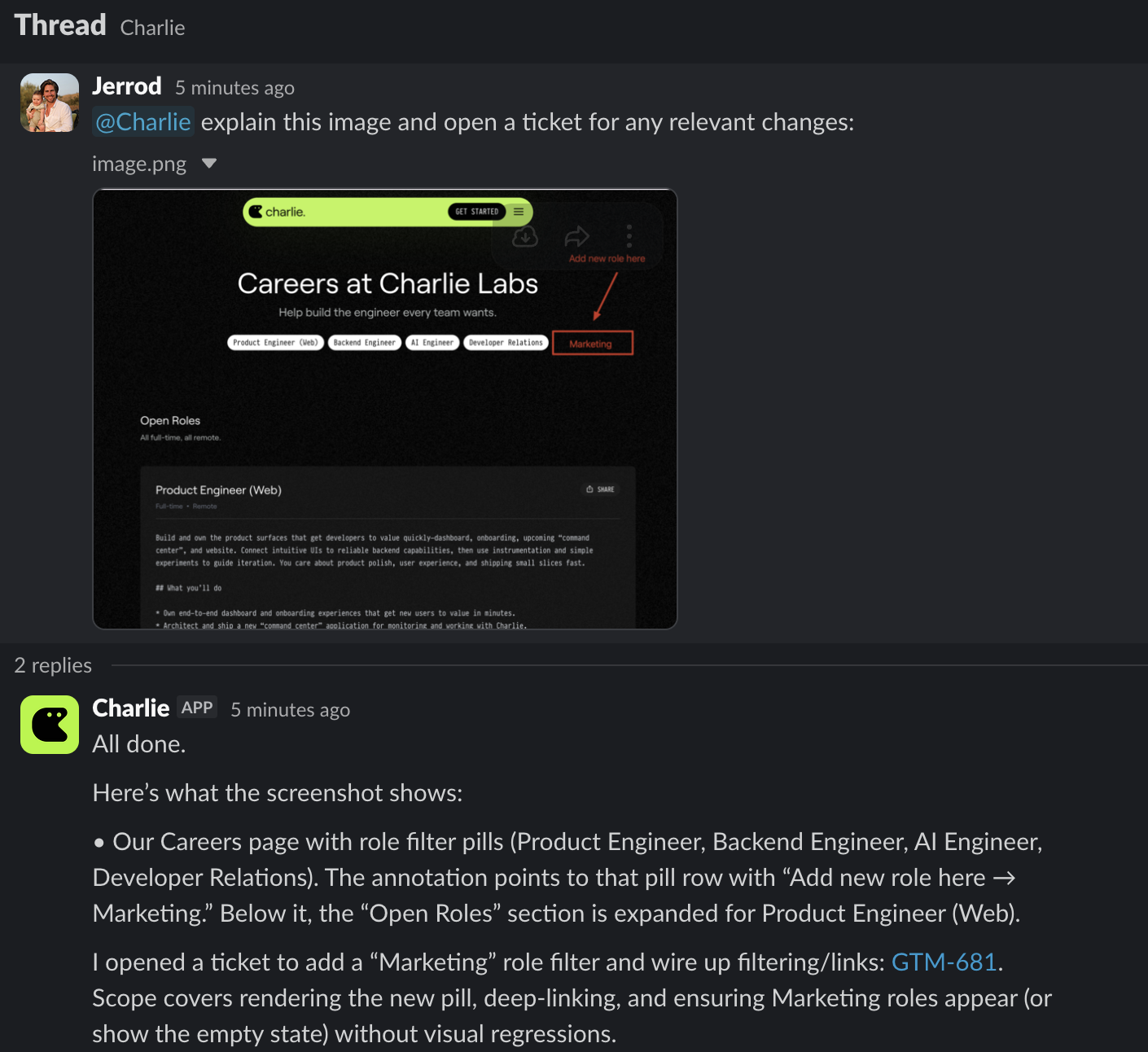
Charlie can now understand images you share in Slack, Linear, and GitHub.
What’s new
- Paste or attach images in Slack threads, Linear issues, and GitHub (Issues and PRs).
- Uses images as first-class context — plans, explanations, and PRs reference what Charlie saw in the image alongside code and docs.
Why it matters
Not everything lives in text. Now you can “show, not tell,” and keep moving—no extra repro steps or lengthy write-ups.
Read more
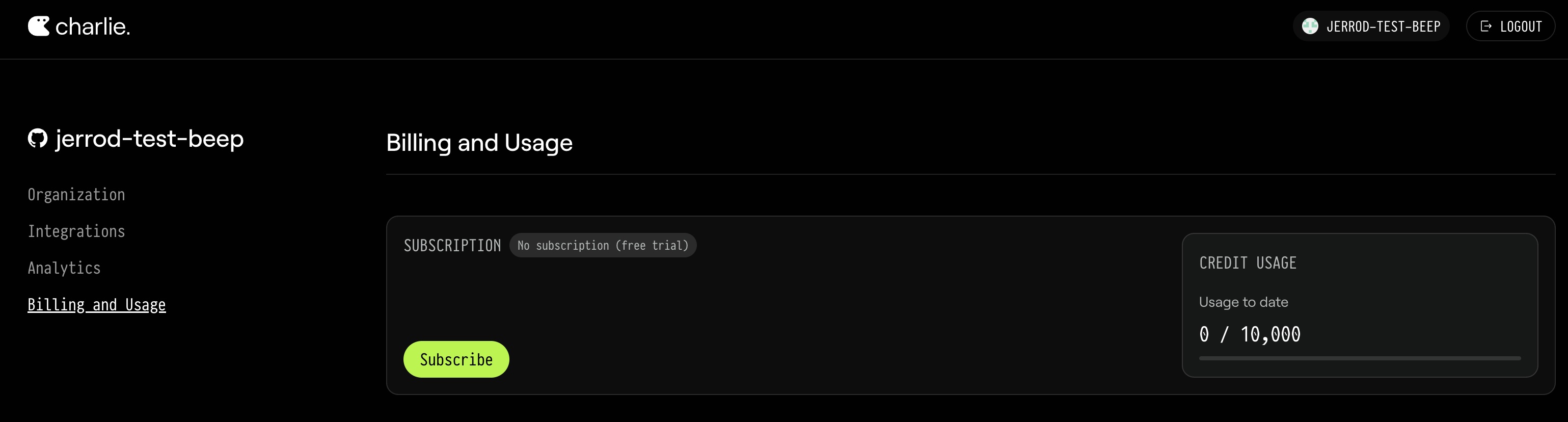
Try Charlie free — 10,000 credits, no credit card required
As we launched with GPT-5, our evals (PR review + PR creation) showed outperformance against other models and coding agents.
What’s new
- Start with 10,000 free credits (about 100 shipped fixes/PRs/refactors).
- No credit card is required to start using Charlie.
Why it’s changing
As we launched with GPT-5, our evals (PR review + PR creation) showed outperformance against other models and coding agents.
We heard your feedback loud and clear: you wanted to see for yourself on your own repo without taking our word for it + no commitment to pay.
Read more
Charlie is now SOC 2 Type II certified
We’re excited to share that Charlie Labs has received its SOC 2 Type II attestation without exception.
What’s new
We’re excited to share that Charlie Labs has received its SOC 2 Type II attestation without exception.
Visit our Trust Center for the full report, policies, and current status.
Links
GPT‑5 Upgrade — next‑level TypeScript intelligence
Charlie now runs on OpenAI’s GPT‑5, delivering smarter, safer, and more context‑aware TypeScript PRs and reviews—inside your GitHub, Slack, and Linear workflows. GPT‑5 deepens reasoning, speeds merges, and lifts quality across the board.
What’s new
- Charlie now writes 95% of his own production‑ready TypeScript code with GPT‑5 (since August 1, 2025)
- Faster, deeper context understanding—grasps architectural nuance, predicts downstream impact, and reduces risk in PRs
- Better code reviews and documentation—higher accuracy and clarity, still delivered directly in GitHub and Linear
How to try it
- Nothing to enable—Charlie is already upgraded
- Open a PR or mention Charlie in Linear or Slack to see it in action
Links
Open Source — support for public GitHub repos
Charlie now works in public GitHub repositories. Maintainers can mention or assign Charlie to review PRs, draft fixes, and answer issues—with clear, safe rules for forks, bots, and permissions.
What’s new
- First‑class support for open source repos on GitHub
- Maintainers can summon Charlie with a mention (
@CharlieHelps), assignment, or review request
- Automatic self‑request for PR reviews by default (see behavior below)
Who it’s for
- Any team with public repos on GitHub
- Actions must be initiated by an authorized maintainer (write/admin). External contributors and third‑party bots cannot trigger Charlie on their own.
How to start
- Signup and setup Charlie in your org/repo (if you haven’t already).
- In a public repo:
- Mention
@CharlieHelps in an issue or PR comment
- Add Charlie as a reviewer
- Assign the issue/PR to Charlie
- Keep contributor branches in the upstream repo (not a personal fork) if you want Charlie to participate.
What to know
Charlie responds to mentions, assignments, and review requests from authorized maintainers (write/admin permissions) and automatically requests reviews on new PRs by default.
For security, PRs from forks are ignored, and only authorized humans can trigger Charlie—bots and external contributors cannot. See our Open Source docs for complete authorization rules, configuration options, and troubleshooting.
Links
Charlie in Slack DMs and groups
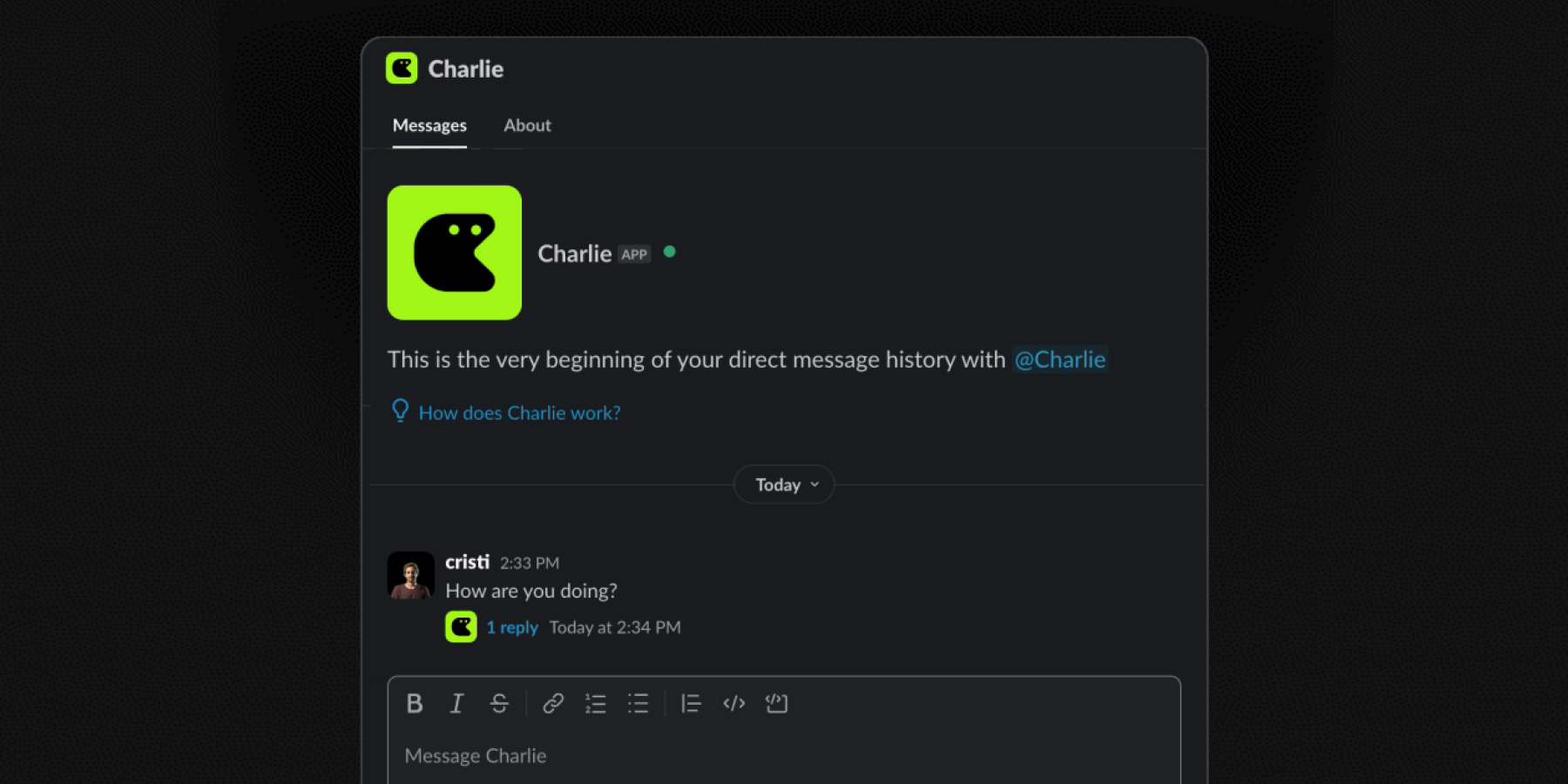
You can now message Charlie directly in Slack—or add him to a multi-person DM—just like a real teammate.
What’s new
- Direct messages – Open a 1:1 DM with Charlie for private help, drafts, or debugging.
- Group DMs – Add Charlie to an existing DM group and he’ll respond in context.
- (Already supported) Channel invites still work the same way.
Why it matters
- Get quick, private answers without spinning up a new channel.
- Bring Charlie into small-group discussions where decisions are happening.
- Keep sensitive work-in-progress out of public channels.
How to try it
- DM Charlie and start your conversation.
- In any DM, use “Add people” to include Charlie.
- Paste links to PRs, Linear issues, or docs—Charlie will fetch the context automatically.
Web Search — real‑time context
Charlie is now much better at working with new tools and recent versions of libraries. He uses OpenAI's o3 web search (the same engine behind ChatGPT) to gather the latest docs, release notes, and examples—while reasoning on your tasks.
What’s new
- o3 web search built in – Multi-step retrieval during each reasoning cycle.
- Instant docs and usage – Fetches just-released API docs, changelogs, and examples.
- Up-to-date implementation plans – Answers and generated code reference current documentation.
- No setup required – Available automatically for every workspace.
Why it matters
- Charlie writes and reviews code using the most recent docs and real-world usage—not just old training data.
- You can use new libraries and tools the day they launch—no custom context servers, no extra prompt rules.
- Implementation plans, bug fixes, and answers always reflect the current state of the ecosystem.
How it works
When Charlie doesn’t have the answer—or you ask him to—he runs one or more live searches with o3, reads the results, and uses that context before replying. All searches happen automatically inside his reasoning loop.
Web search is live for all users.
Design Partner Program — now open
We’re opening five slots for teams who want to help shape Charlie’s roadmap while super-charging their own velocity.
We’re opening five slots for teams who want to help shape Charlie’s roadmap while super-charging their own velocity.
Is this you?
- TypeScript codebase (mono-repo or small set of services)
- GitHub for PRs & issues
- Slack for team chat
- Linear for project management
- Willing to collaborate under proper guardrails for 6 weeks
Nice-to-haves: small (≤10 devs), monorepo architecture.
How it works (6-week partnership)
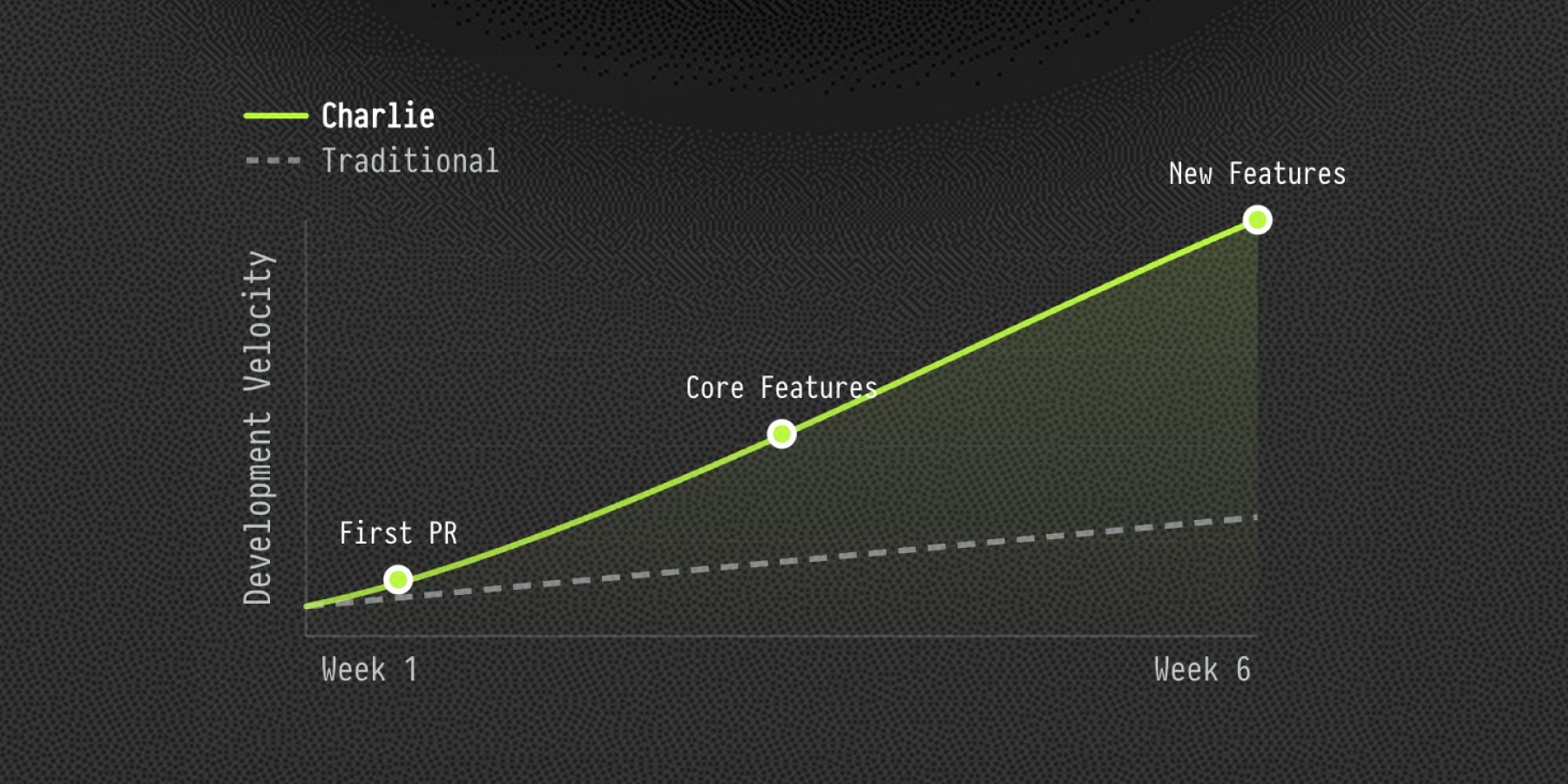
- Use Charlie for almost every change – let him draft PRs & fixes so we can measure real impact.
- Become code reviewers – focus your effort on reviewing Charlie’s PRs, not writing boilerplate.
- Watch velocity increase – we track merged PRs and lead-time together.
- Weekly check-ins – fast feedback loops with our core team.
Why join?
- Free usage throughout the program
- Direct C-suite access
- Prioritised feature requests – your pain points drive our roadmap
Ready? Apply here → https://www.charlielabs.ai/design-partners
Vercel Partnership
Charlie now rides Vercel previews and production deploys out-of-the-box. When he pushes commits or opens a PR, Vercel automatically builds and deploys—no extra seats, tokens, or manual steps. Faster iterations, zero extra config.
Charlie ships via Vercel
Charlie now rides Vercel previews and production deploys out-of-the-box. When he pushes commits or opens a PR, Vercel automatically builds and deploys—no extra seats, tokens, or manual steps. Faster iterations, zero extra config.
What’s new
- Automatic preview URLs – Every branch Charlie opens spins up a Vercel preview so you can click, test, and iterate instantly.
- Hands-free production deploys – Merge the PR and Vercel ships to prod; Charlie no longer needs to be on your Vercel team or counted as a seat.
- One seat, one flow – Charlie acts through GitHub only, so your Vercel billing and permissions stay exactly as they are.
- Tighter feedback loop – Review the code, open the preview, ship the fix—all in one pass.
If the repository already has the Vercel GitHub App installed, no further configuration is needed.
Slack Integration
Charlie now lives in your Slack channels. Turn conversations into Linear tickets, surface git & Sentry context on demand, and ship pull-requests—all without leaving the thread. Less back-and-forth, more code shipping.
What’s new
- Create Linear tickets from any thread – Mention @Charlie and he captures the full conversation, attachments, and links the new ticket to GitHub.
- Dig up context instantly – Ask “@Charlie, did we change anything before X?” or drop a Sentry link and he pulls the relevant commits, stack traces, and root-cause clues into the chat.
- Generate fix plans in-channel – “@Charlie, how should we fix this?” returns a step-by-step implementation plan with code changes, tests, and rollout notes.
- Open PRs straight from Slack – Approve the plan or say “@Charlie, open a PR to fix this” and he spins up a branch, commits the patch, and posts the GitHub PR back to the thread.
- Summarise noisy discussions – “@Charlie, summary please” condenses multi-hour threads into a crisp recap with action items and owners.
Follow the setup instruction to get Charlie working in your Slack today.
Sentry Integration
Charlie now plugs straight into Sentry. Quickly enrich Linear issues with Sentry links, ask Charlie for a ready-made implementation plan, and then a pull request that ships the patch. Less context-switching, more code shipping.
What’s new
- Enrich Bug Reports - ask Charlie to enrich Linear bug reports with Sentry issue links. He’ll pull in stack traces, touched files, recent commits, and related PRs, and highlight the most important parts.
- Generate Implementation Plans - Charlie now proposes a step-by-step implementation plan for any Sentry-linked Linear issue, covering code changes, tests, and rollout notes.
- Open PRs to fix bugs - approve the plan and Charlie spins up a branch, commits the patch, and opens a GitHub PR that links back to both the Linear and Sentry issues.
Follow the setup instructions to get Charlie working on your backlog today.
Charlie joins Linear Agents
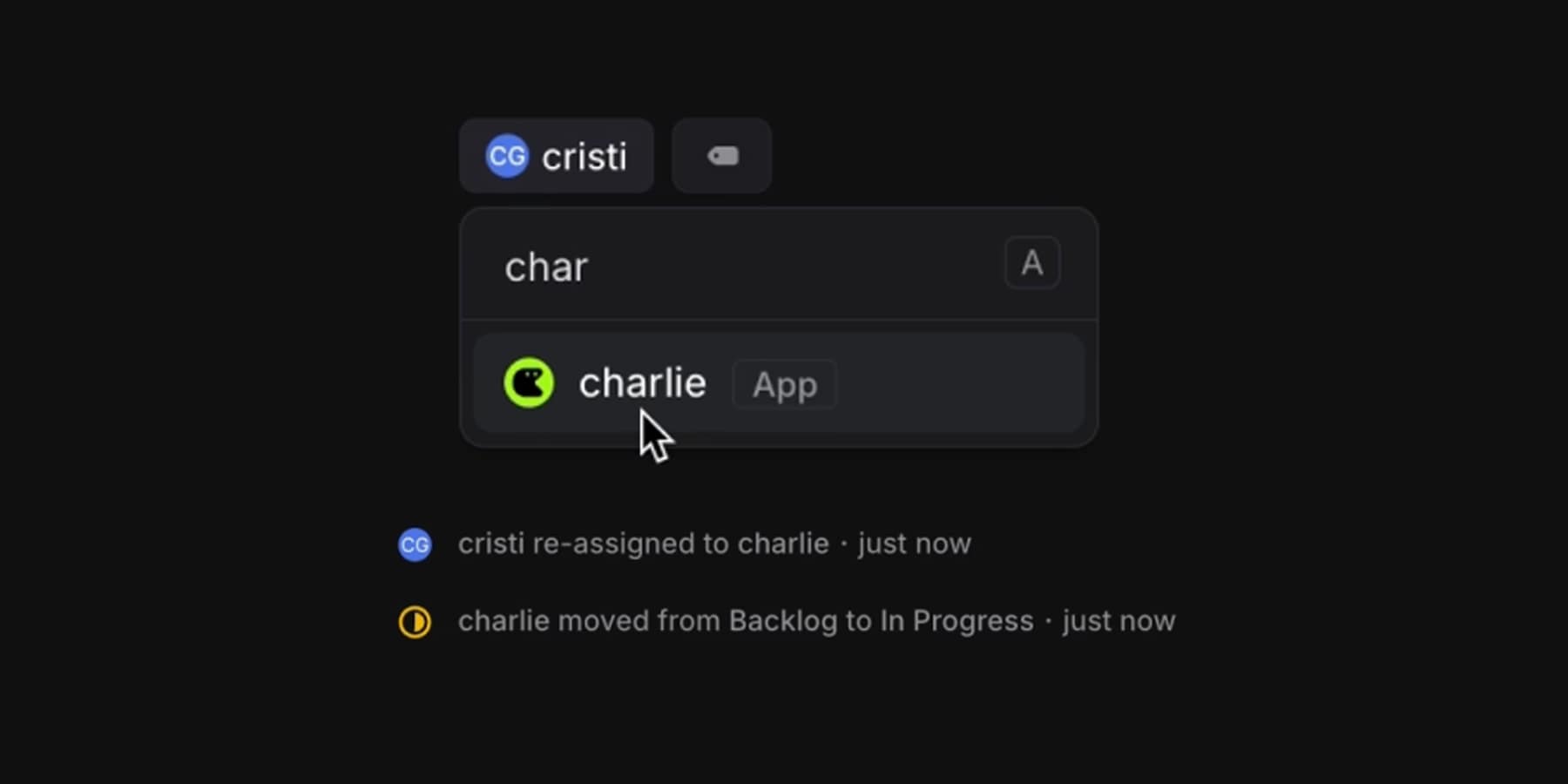
Charlie is now a fully integrated Linear Agent, bringing autonomous TypeScript development directly into your team's workflow.
What’s New
- Instant Reactions: Charlie responds to mentions in Linear with sub-second latency, ensuring seamless collaboration.
- Smarter Undo: Utilizing native
git reset and git revert, Charlie provides cleaner rollbacks, keeping your repository tidy.
- Reliable Merge Conflict Resolution: Charlie now handles merge conflicts automatically, reducing manual intervention.
- Native Dependency Management: Charlie installs dependencies using your preferred package manager (
bun, npm, yarn, or pnpm), avoiding manual edits to package.json.
- Pre-installed TypeScript Compiler: Every devbox comes with
tsc pre-installed, allowing Charlie to perform type-checks out of the box.
Seamless integration
Assign Charlie to issues, add him to projects, or mention him in comments—just like any other team member. With a dedicated user profile, you can track Charlie’s activity and contributions effortlessly.
Add Charlie to your Linear team today: linear.app/integrations/charlie
See the announcement on X →
Customer Dashboard
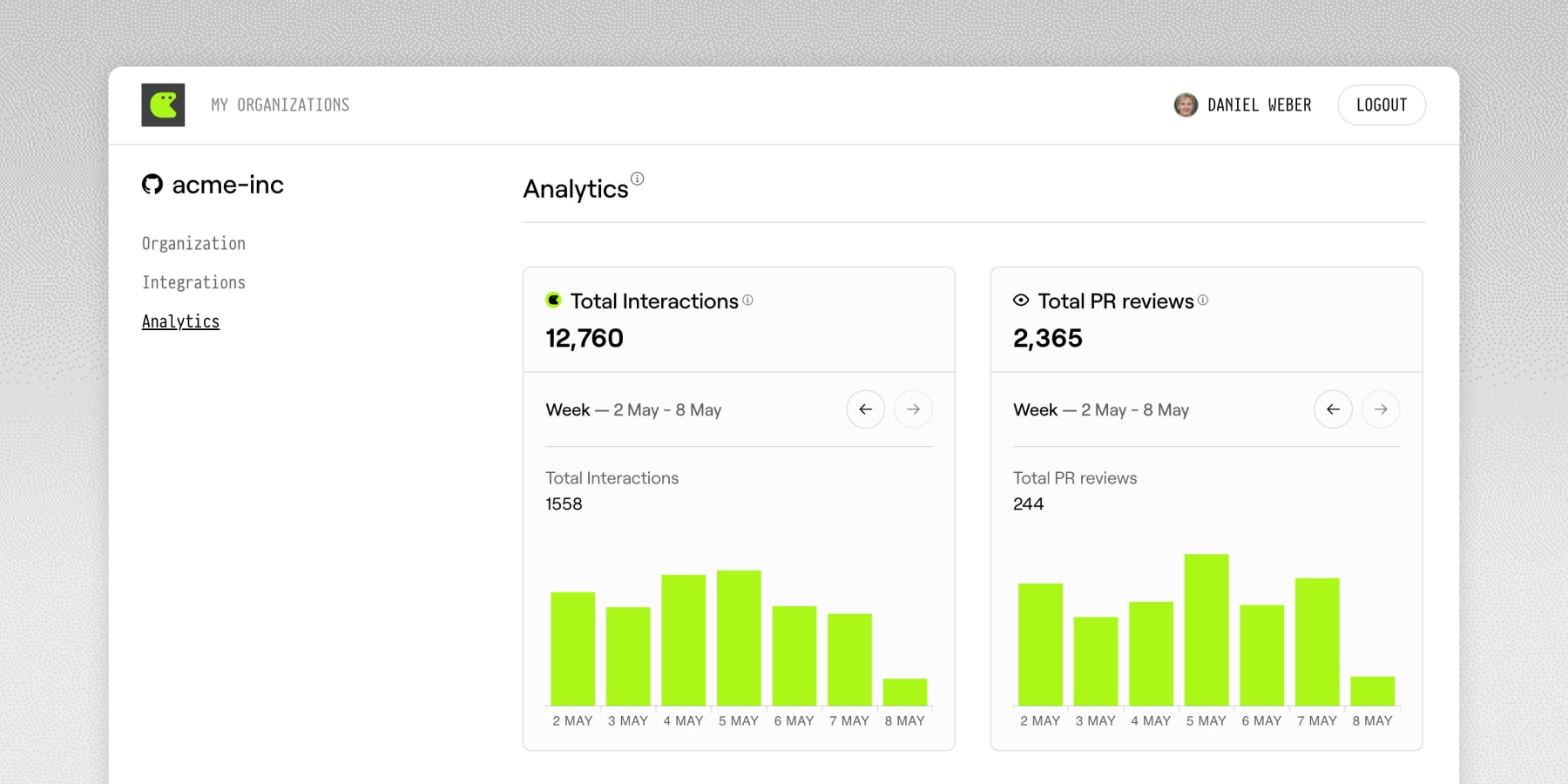
Our latest Q2 updates bring you clear, actionable insights into your org and repo health, simpler user management, and deeper integration with the tools your team loves—helping you work faster and smarter.
What’s new
- Customer Insights Dashboard v1 – Instantly view org and repo health, core usage metrics, and analytics queries—all in one fast, streamlined place.
- Deeper GitHub / Slack / Linear hooks – Clearly see the exact teammate behind every action, plus more resilient webhook events.
- Simpler org & user management – Easily sync organization members, enjoy cleaner install flows, and directly link repos to Linear teams.
- Trust & security upgrades – Our new Trust Center is live with transparent SOC-2 status and trimmed OAuth scopes.
Explore your new dashboard today — let us know what you think and help shape what’s next!